TKaraokeUSB v1.152

Build 152 supports more restrictive external drives access introduced in Android TV 10 and beyond. Google made it so that the User has to go to Apps –> TKaraoke –> Info –> Permissions –> Media and Files and select “Allow all the time”. This is a one time acknowledgement allowing TKaraokeUSB to access your hard drive for playing your songs. After doing this, go to TKaraokeUSB Settings row (last row) and select Clear Cache and Exit and start TKaraoke again.
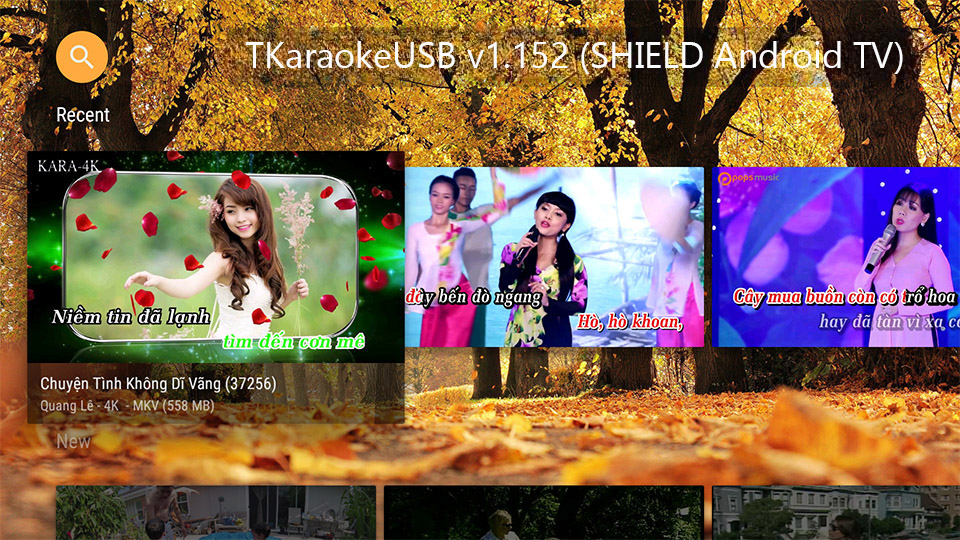
Updating TKaraokeUSB to the latest version is very simple, thanks to Google Play Store. See instruction below. For release history and release notes, see this page.
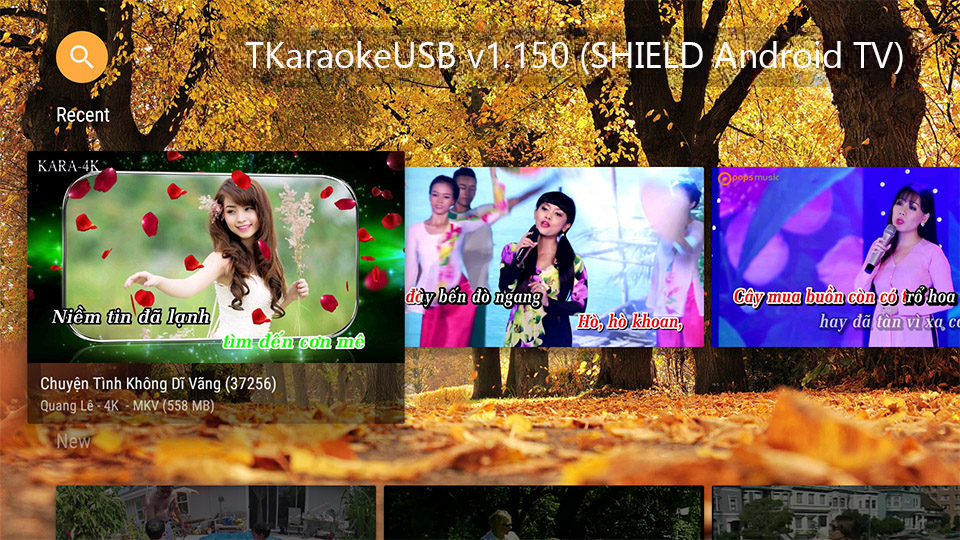
TKaraokeUSB v1.150

Fixed an issue with YouTube content not buffering fast enough to play smoothly.

Updating TKaraokeUSB to the latest version is very simple, thanks to Google Play Store. See instruction below. For release history and release notes, see this page.
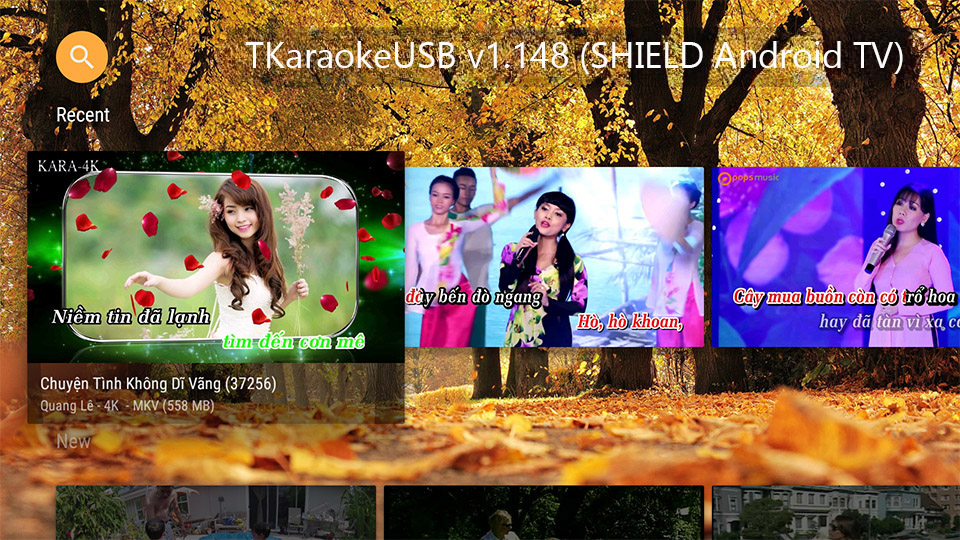
TKaraokeUSB v1.148

Build 148 fixed a bug where TKaraokeUSB will crash when some rare YouTube content is added or queue via the remote control or Songbook app.

Updating TKaraokeUSB to the latest version is very simple, thanks to Google Play Store. See instruction below. For release history and release notes, see this page.
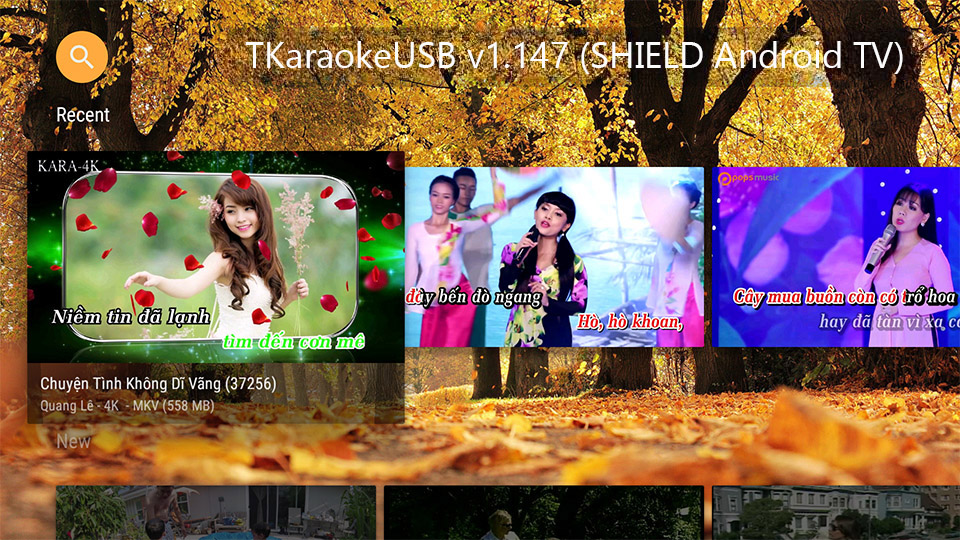
TKaraokeUSB v1.147

Build 147 fixed a defect where songs are not played with the right audio track per the Play Mode settings specified in Preferences.

Updating TKaraokeUSB to the latest version is very simple, thanks to Google Play Store. See instruction below. For release history and release notes, see this page.